Sample guide. This shows how guides look on the site. Delete
content/guides/sample-backup-your-business-files.mdwhen you add your own.
Losing your files to a dead hard drive, a stolen laptop, or ransomware is one of the fastest ways to lose days of work, or customers. The good news: a solid backup takes about 15 minutes to set up and runs on its own after that.
The 3-2-1 rule
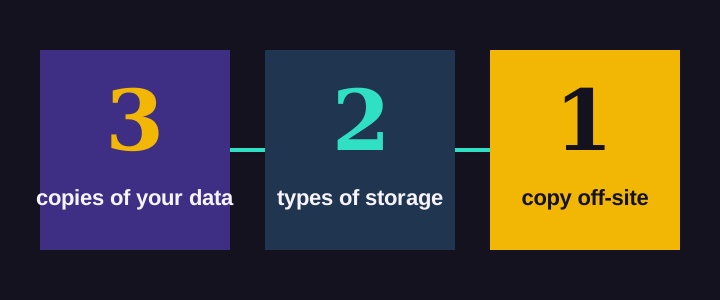
Keep three copies of anything important, on two different types of storage, with one copy off-site. If one fails, you still have two.
What you'll need
- An external hard drive (1–2 TB is plenty for most small offices)
- A cloud backup service
- 15 minutes
Step by step
- Plug in the external drive and turn on your computer's built-in backup: File History on Windows or Time Machine on a Mac.
- Sign up for a cloud backup service and install its app. Choose one that keeps old versions of files, so ransomware can't overwrite your only copy.
- Pick what to back up. Documents, accounting files, and email archives first.
- Run the first backup and let it finish overnight.
- Test a restore. Delete a test file and bring it back. A backup you've never restored is a guess, not a backup.
Comparing your options
| Option | Protects against | Typical cost |
|---|---|---|
| External drive | Drive failure, mistakes | One-time, ~$70 |
| Cloud backup | Fire, theft, ransomware | ~$10/month |
| Both (3-2-1) | All of the above | Worth it |
A tip for the tech-curious
File History keeps every old version by default, which can fill the drive. On Windows, this command deletes backup versions older than 30 days:
FhManagew.exe -cleanup 30The bottom line
Set it up once, test it once a quarter, and you'll never have the worst day of your business because of a dead drive.